

001、
[root@localhost test]# ls
a.txt
[root@localhost test]# cat a.txt                           ## 测试文本
01
02
03
04
05
06
07
08
09
10
11
12
[root@localhost test]# sed -n '1,${p;n}' a.txt            ## 从第一行开始,隔行输出
01
03
05
07
09
11
[root@localhost test]# sed -n '1,${p;n;n}' a.txt
01
04
07
10
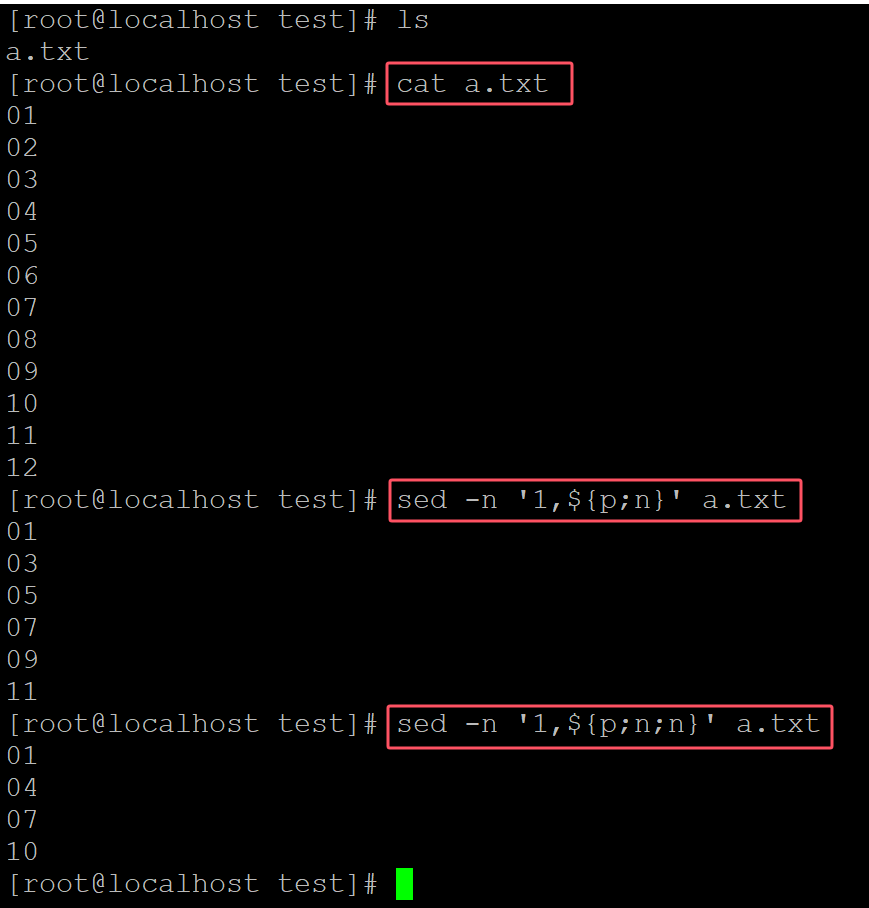
。
002、 指定n的位置
[root@localhost test]# ls
a.txt
[root@localhost test]# cat a.txt
01
02
03
04
05
06
07
08
09
10
11
12
[root@localhost test]# sed -n '1,${n;n;p}' a.txt
03
06
09
12
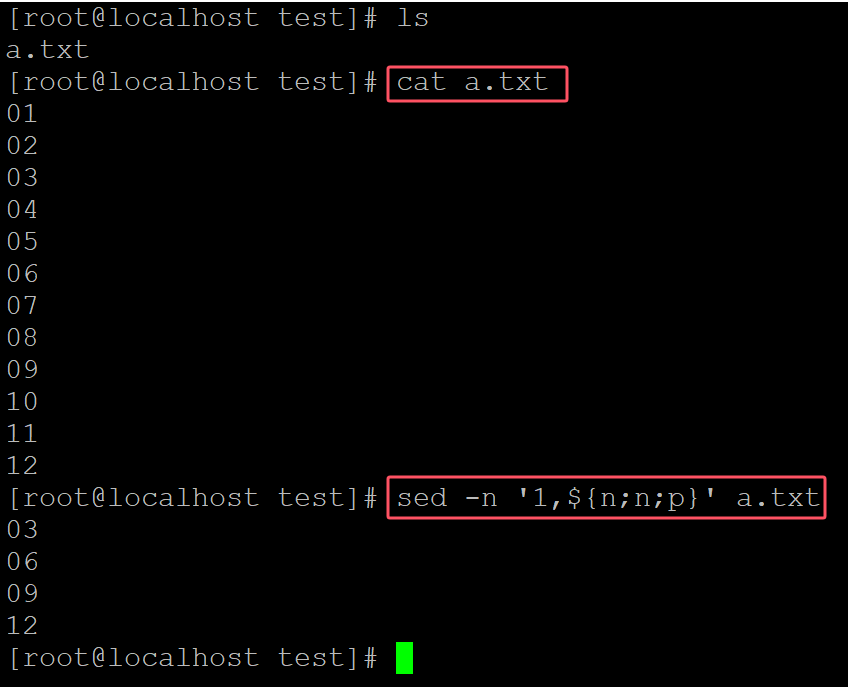
。
003、


与列表(List))
面试全攻略:战略、组织与商业落地(2026实战版))


